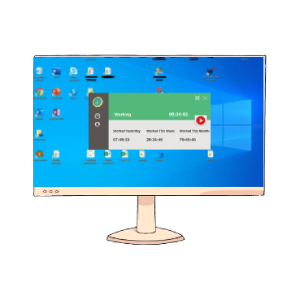
Monitor by Consent
This application is for monitoring computers with employee consent. Employees can press start or stop while they are working.
Record screenshots, keylogs, app usage, and work time—then review everything from a secure online dashboard on any device.
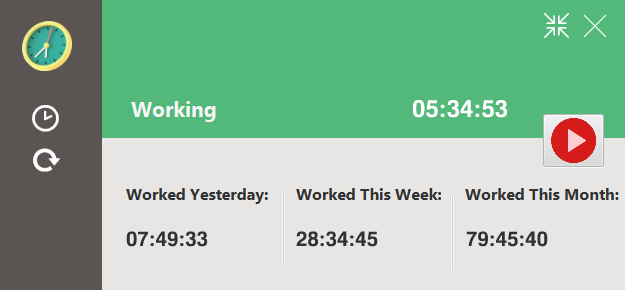
Work Monit lets you capture computer activity secretly or by employee consent — then watch reports from a simple cloud dashboard, anytime and anywhere.

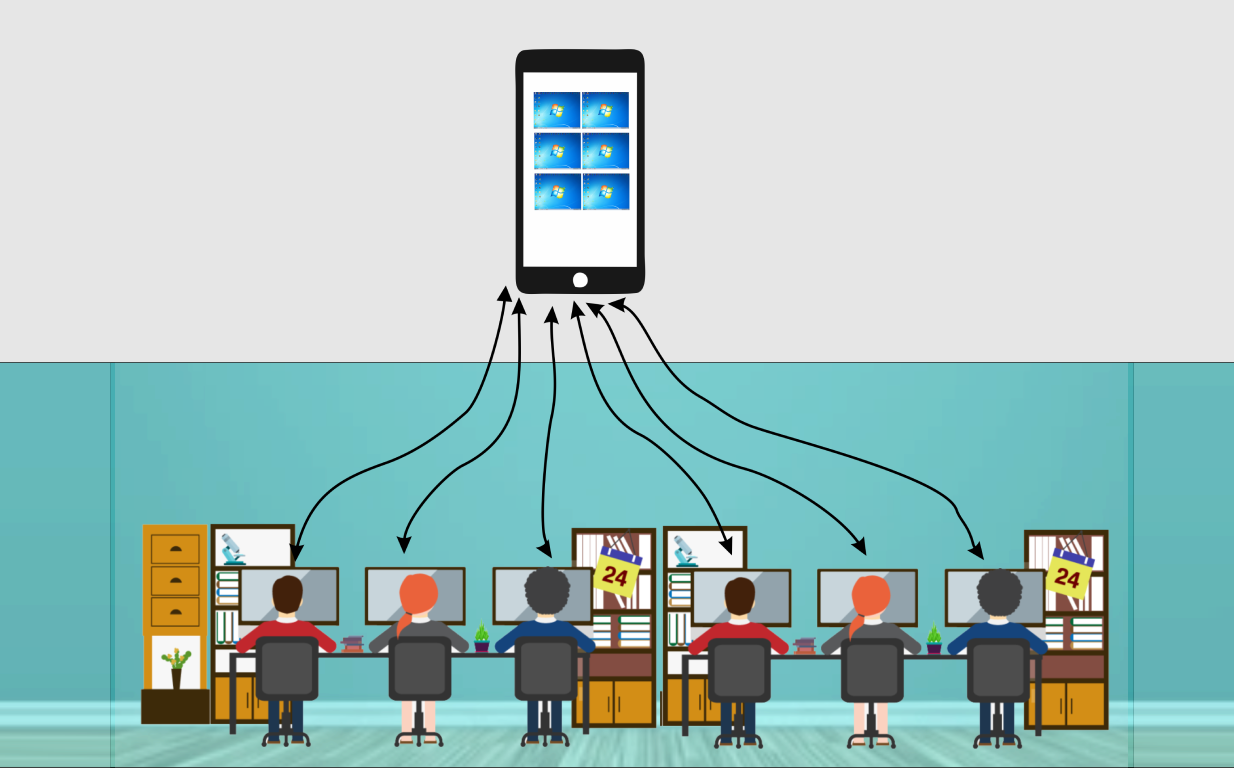
Watch all computer activities
Responsible employees are key to the success of any company. Work Monit helps you keep an eye on employee computer activity, screenshots, browser history, software usage, idle time, and work time.
This application is for monitoring computers with employee consent. Employees can press start or stop while they are working.
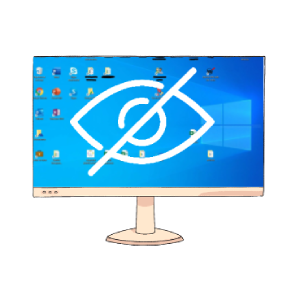
This application is useful when you want to monitor company-owned employee computers secretly and invisibly.
Once Work Monit is installed, you can watch activity from any device and manage all settings remotely.
Start monitoring your employee's computer activities secretly and remotely within 2 minutes.